
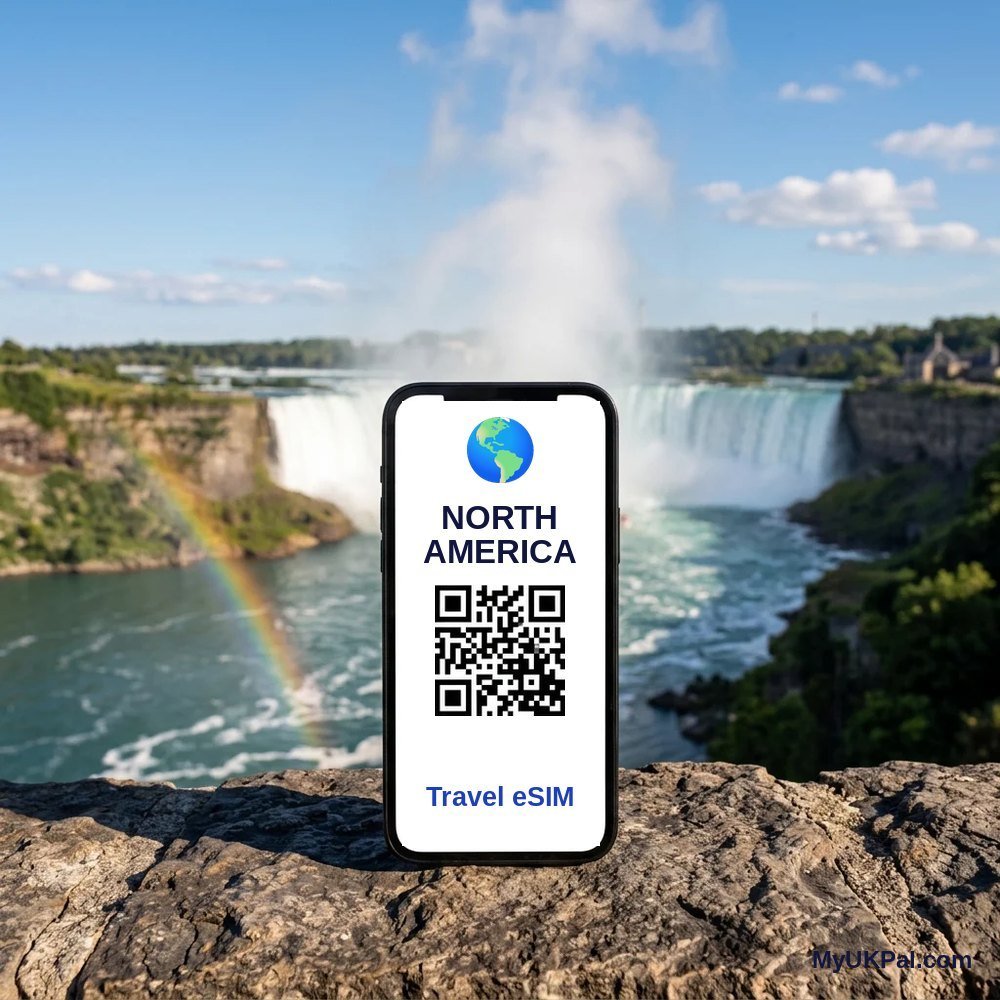
North America eSIM – 3 Countries, One Travel Data Plan
£74.25
One prepaid data plan for 3 countries: the United States, Canada and Mexico. Unlimited for 40 days, £74.25. We email you a QR code: scan it once and the same eSIM works in every country on the list.
North America eSIM: one plan for 3 countries, the United States, Canada and Mexico. Check the country list below before you buy: places that are not on it are not covered.
Check your phone before you buy: it must support eSIM and must be unlocked. No refund once the QR code has been sent.
When you arrive: turn on the eSIM line and switch DATA ROAMING ON for it. With data roaming off, the eSIM will not connect in any of the countries.
Travel use only: this eSIM is made for trips. It is not a replacement for the everyday SIM you use at home.
North America eSIM: mobile data for a trip through 3 countries
New York and then Toronto, a road trip down the West Coast into Mexico, or Niagara Falls from both sides of the border? The North America eSIM gives your phone unlimited mobile data in the United States, Canada and Mexico for 40 days, with one QR code.
An eSIM is a SIM that is already inside your phone. There is nothing to post and no card to swap: we email you a QR code, you scan it, and the data plan is added to your phone. Your normal SIM stays where it is.
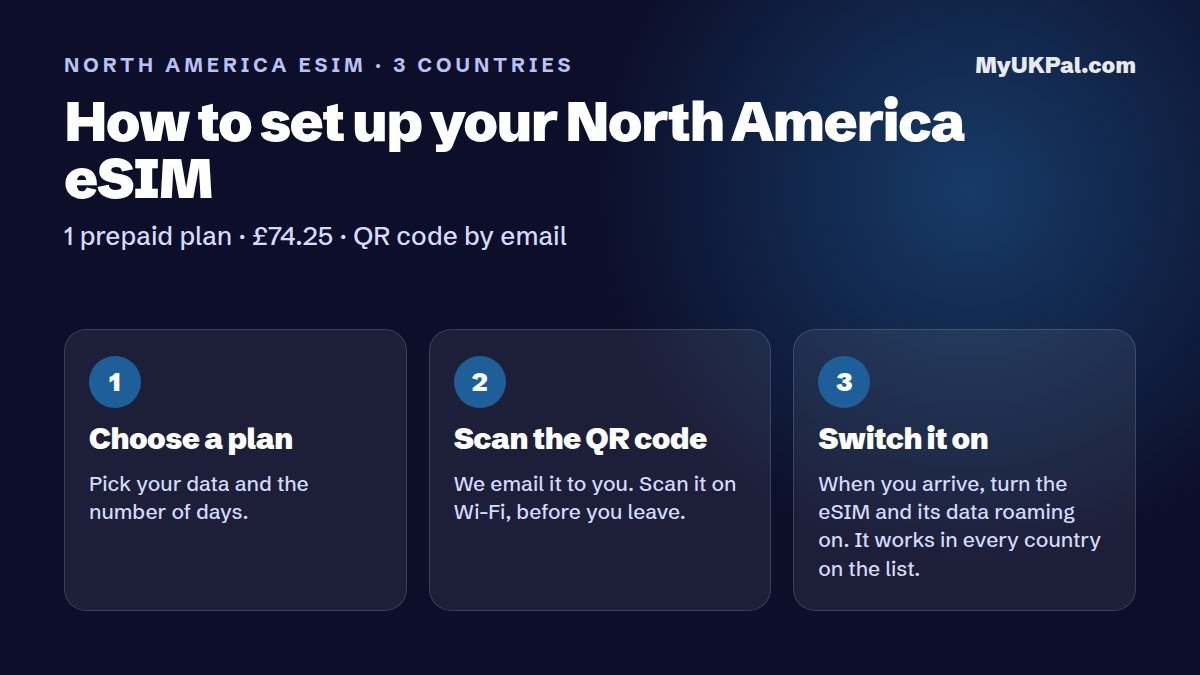
How it works
- Choose your data and the number of days above. The price changes as you choose.
- Pay by PayPal, card or bank transfer.
- We send the QR code to the email address on your order.
- Install the eSIM from the QR code while you are still on Wi-Fi. The best time is before you leave. Step-by-step help is below.
- When you arrive, switch the eSIM line on, choose it for mobile data and turn data roaming on for it.
- Moving on to the next country? Keep the same eSIM on. The plan covers all 3 countries, so there is no new code to scan at the border.
How to install and activate your North America eSIM
Do these steps in order. Most eSIMs that “don’t work” are installed fine but have data roaming off or are not chosen for mobile data.
1. Before you install
- Connect to Wi-Fi. The phone needs internet to download the eSIM.
- Open our email with the QR code on another screen (a computer, a tablet or someone else’s phone) or print it. A phone can’t scan a QR code shown on its own screen.
- Only have your phone? On an iPhone with iOS 17.4 or newer, open the email in the Mail app, press and hold the QR code and tap Add eSIM. Or add it by hand with the SM-DP+ address and activation code: ask us on live chat with your order number and we will send them.
2. Install it
- iPhone: Settings, Mobile Data (Mobile Service on newer iPhones), Add eSIM or Add Mobile Plan, then scan the QR code. To type the codes instead, tap Enter Details Manually. Name the new line “Travel”.
- Samsung Galaxy: Settings, Connections, SIM card manager, Add mobile plan, Add using QR code. To type the codes instead, tap Add using activation code.
- Google Pixel and other Android phones: Settings, Network & internet, SIMs, Add SIM (Download a SIM instead), then scan the QR code.
Install it once, then leave it on the phone. Do not delete the eSIM, even if it does not connect at first: a deleted eSIM may not install again from the same QR code.
3. Activate it when you arrive in the first country
- Turn the travel eSIM line on.
- Choose it for mobile data. iPhone: Settings, Mobile Data, Mobile Data, choose Travel. Samsung: Settings, Connections, SIM card manager, Mobile data. Pixel: Settings, Network & internet, SIMs, Mobile data.
- Turn Data Roaming ON for the travel eSIM. iPhone: Settings, Mobile Data, tap Travel, Data Roaming. Samsung: Settings, Connections, Mobile networks, Data roaming. Pixel: Settings, Network & internet, SIMs, choose the eSIM, Roaming.
- Keep your normal SIM on for calls and texts if you like, but turn its data roaming off so your home network does not charge you.
- Wait a minute or two for a signal. Turn Wi-Fi off once to check the eSIM really gives you internet.
4. Installed but no internet? Check this
- You are in a country this eSIM covers. It does not connect before you get there.
- Data roaming is ON for the travel eSIM and the travel eSIM is chosen for mobile data (step 3).
- Turn Airplane mode on for 10 seconds and off again, or restart the phone.
- Network selection: set it to Automatic. Still no signal? Turn Automatic off and pick another network from the list.
- Still nothing? Do not delete the eSIM. Message us on live chat with your order number and a screenshot of the eSIM settings, and we will check it with the network for you.
Phone makers’ own help pages: iPhone eSIM help and Samsung eSIM help.
North America eSIM plans and prices
1 plan, all prepaid. You pay once: there is no contract and no bill afterwards.
| Data | Valid for | Price |
|---|---|---|
| Unlimited | 40 Days | £74.25 |
Countries covered by the North America eSIM (3)
The plan works in all of these countries. Each name links to that country’s own eSIM, if you only need one.
Not covered: Puerto Rico, Bahamas, Jamaica, Dominican Republic, Cayman Islands, Bermuda. For those, choose the country’s own eSIM.
North America eSIM or a single-country eSIM?
Both work the same way on your phone. The difference is where they work and what you pay:
- Visiting one country? A single-country eSIM is usually the better buy. It is made for that country and often costs less per GB.
- Crossing borders? The North America eSIM is simpler: one QR code, one plan, and nothing to switch when you move from one country to the next. Two or three country eSIMs can easily cost more than one North America eSIM.
An example with today’s prices, for unlimited data over 40 days:
| eSIM | Plan | Price |
|---|---|---|
| North America eSIM (3 countries) | Unlimited, 40 days | £74.25 |
| USA only | Unlimited, 40 days | £52.50 |
Each single-country eSIM works in its own country only, so for a trip through several countries you would need one for each.
Shorter trip, or only one country? The USA eSIM, Canada eSIM and Mexico eSIM have smaller plans that cost less.
Good to know
| Where it works | 3 countries: the United States, Canada and Mexico (full list above) |
|---|---|
| What you get | Mobile data only. There is no phone number for normal calls or texts. You can call and message through apps that use data. |
| Data roaming | Must be ON for the eSIM line, or it will not connect. This costs nothing extra: the plan is already paid. |
| How you get it | A QR code by email. Nothing is posted. |
| Phones | Unlocked phones with eSIM, for example iPhone 11 and newer, Samsung Galaxy S20 and newer, Google Pixel 3 and newer |
| Payment | One payment. No contract, no top-up needed, no roaming bill from us. |
Before you buy
- Does your phone have eSIM? Dial
*#06#. If you see a number called EID, your phone has eSIM. - Is it unlocked? A phone locked to one network can’t use a travel eSIM. Ask your network if you are not sure.
- Check your route. Every country you visit should be in the list above.
- Refunds: once the QR code has been sent it can’t be refunded. If something does not work, contact us on live chat with your order number and we will help.
Questions
Does the North America eSIM work in every country on the list with one plan?
Yes. You install it once, and the same plan and the same data allowance work in all 3 countries. Leave the eSIM line on when you cross a border.
Do I need to turn on data roaming?
Yes, for the eSIM line. A travel eSIM connects to local networks as a roaming line, so with data roaming off it shows signal but no internet. On iPhone: Settings, Mobile Data, choose the eSIM, turn Data Roaming on. On Android: Settings, Connections or Network, SIM manager, choose the eSIM, turn Roaming on.
Is Puerto Rico included?
No. Puerto Rico is not on the list, and nor are Bahamas, Jamaica, Dominican Republic and other Caribbean islands. Choose that country’s own eSIM for those.
When should I install my North America eSIM?
Before you leave, while you have good Wi-Fi. Then switch the eSIM line on when you arrive in the first country.
Do I have to take my own SIM out?
No. The eSIM sits next to your normal SIM. To avoid roaming charges from your home network, turn data roaming off on your normal SIM while you are away.
Can I make calls?
The plans are data only. You can call and message through apps that use data, and people can still reach you on your own number if you leave your normal SIM on.
Can I buy it if I don’t live in the UK?
Yes. You can order from any country. The QR code comes by email, so you get it wherever you are.
What if the QR code does not arrive?
Look in your spam folder first. If it is not there, contact us on live chat with your order number.
I can’t scan the QR code. What now?
Show the QR code on another screen or print it: a phone can’t scan its own screen. On an iPhone with iOS 17.4 or newer you can press and hold the QR code in the Mail app and tap Add eSIM. Or ask us on live chat for the SM-DP+ address and activation code and type them in by hand.
The eSIM is installed but I have no internet. Why?
Nearly always one of two settings: data roaming is off for the eSIM, or the eSIM is not chosen for mobile data. Turn both on (see step 3 above), then switch Airplane mode on and off. Don’t delete the eSIM: message us on live chat with your order number and we will help.
More travel eSIMs
Only going to one country? See all single-country travel eSIMs. Other areas: Europe eSIM, Asia eSIM, Global eSIM, Wider Europe eSIM, Europe & Central Asia eSIM, Global 60GB eSIM. All of them are on our regional and global eSIMs page. Apple and Samsung explain eSIM settings step by step: iPhone eSIM help and Samsung eSIM help.
Additional information
| Data | Unlimited |
|---|---|
| Validity Period | 40 Days |
Related products
-

Wider Europe eSIM – 41 Countries, One Travel Data Plan
£2.28Select options This product has multiple variants. The options may be chosen on the product page -
Asia eSIM – 18 Countries, One Travel Data Plan
Price range: £10.64 through £44.84Select options This product has multiple variants. The options may be chosen on the product page -
Global 60GB eSIM – 142 Countries, One Travel Data Plan
£147.22Select options This product has multiple variants. The options may be chosen on the product page -
Europe & Central Asia eSIM – 34 Countries, One Travel Data Plan
Price range: £0.72 through £43.44Select options This product has multiple variants. The options may be chosen on the product page